
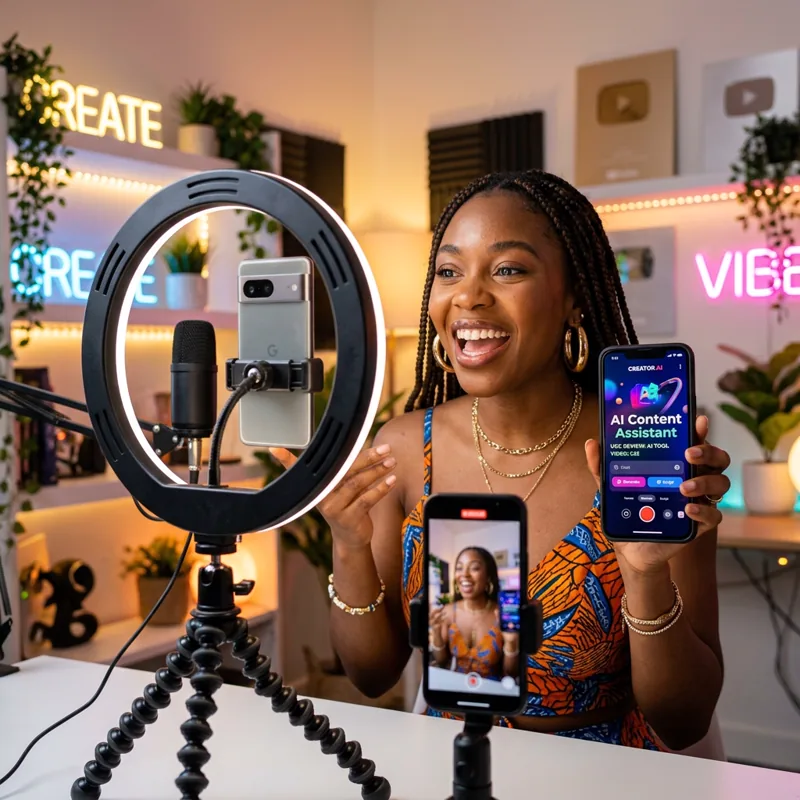
Your photo, your face
Your photo becomes the first frame of the video, so the person on screen is you rather than a stock presenter. Useful for product reviews, testimonials and messages to your customers.
STAR IN YOUR OWN VIDEO
Upload one clear photo of yourself and turn it into a 10-second video of you talking to camera. Type the exact words for an AI voice to speak, or record your own voice on your phone and the photo speaks your recording with matching lip movement.
auto_awesome Make a talking video
Your photo becomes the first frame of the video, so the person on screen is you rather than a stock presenter. Useful for product reviews, testimonials and messages to your customers.
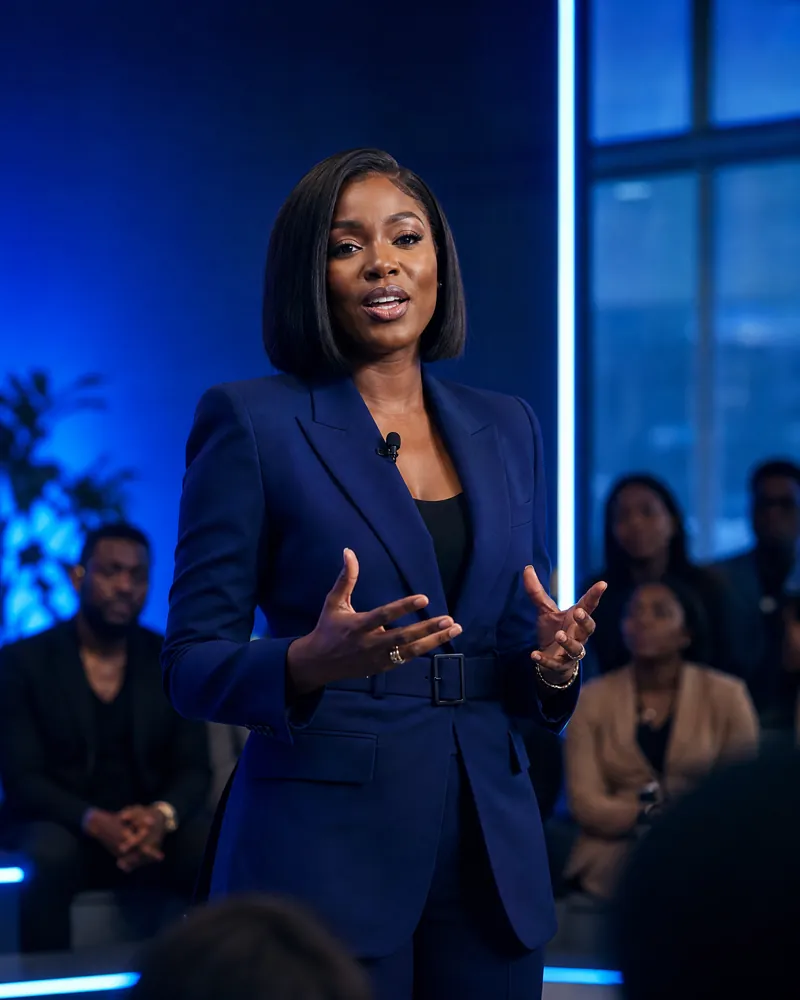
Record two to ten seconds on your phone, or upload a recording. The video is timed to your words and the lips move with them, so it sounds like you because it is you.
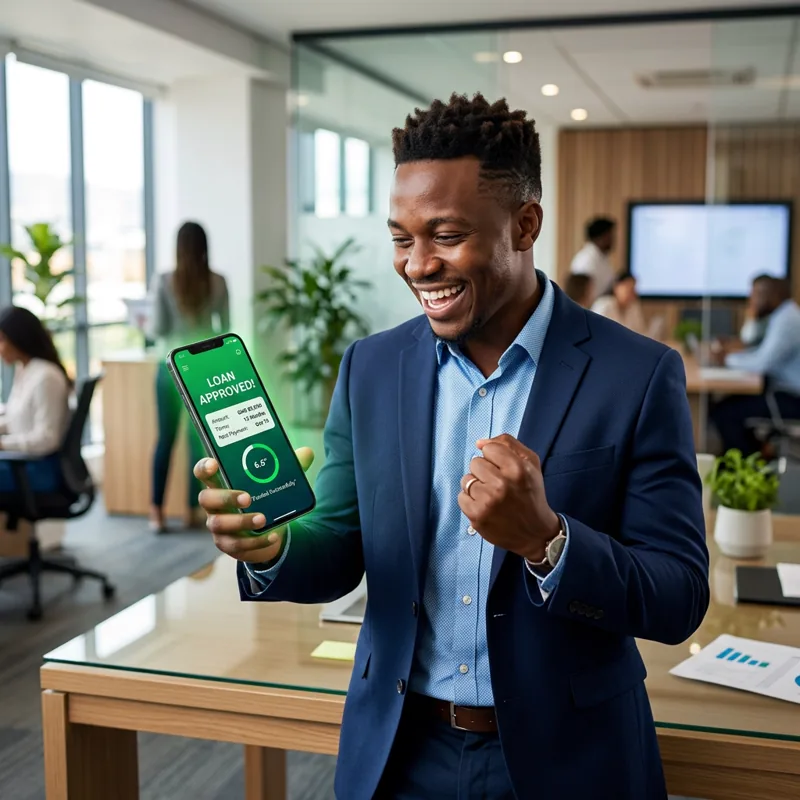
Prefer not to record? Type what you want said, or tap the microphone and speak it, and an AI voice reads it on camera. Use "Write it for me" for a ready-made line with your brand name in it.
Open the UGC or Product and CEO studio and add a clear, front-facing photo.
Choose AI voice and type the words, or choose My voice and record yourself.
Generate. Your 10-second video is ready in a few minutes and saved to your library.
Use a sharp, well-lit photo facing the camera, with your face and shoulders clearly visible and nothing covering your mouth. Record in a quiet room and say your line exactly as you want it heard. About 25 words fits comfortably in 10 seconds.
Use your own photo, or one of someone who has agreed to appear in the video. Do not upload photos of other people without their permission, and do not use the tool to put words in the mouth of a real person who has not approved them.
Each video is 10 seconds long. With your own voice, the recording can be between 2 and 10 seconds and the video follows it.
Yes. Choose My voice, then record on your phone or computer, or upload an MP3, WAV or M4A file. The photo speaks your recording with lip sync.
A clear, front-facing photo in good light, with the face and shoulders visible. Avoid sunglasses, heavy filters and anything covering the mouth.
No. Tap the microphone on the text box and speak. Your words are typed in for you, or tap "Write it for me" for a line written around your brand.
Yes. Without a photo, the AI creates a presenter for you. You can still use your own recorded voice, and the presenter will speak it with lip sync.
New accounts start with free credits. Works on your phone and your computer.
auto_awesome Make a talking video