
Six visual styles
Photographic for realistic product and lifestyle shots, plus Cinematic, 3D Render, Anime, Illustration and Painterly for posters, characters and campaigns.
AI IMAGE STUDIO
Describe a scene and get a finished image in the style and size you need, from a studio product shot to a cinematic poster. Generate one image or up to twelve variations at once, then keep the ones you like.
auto_awesome Generate images
Photographic for realistic product and lifestyle shots, plus Cinematic, 3D Render, Anime, Illustration and Painterly for posters, characters and campaigns.
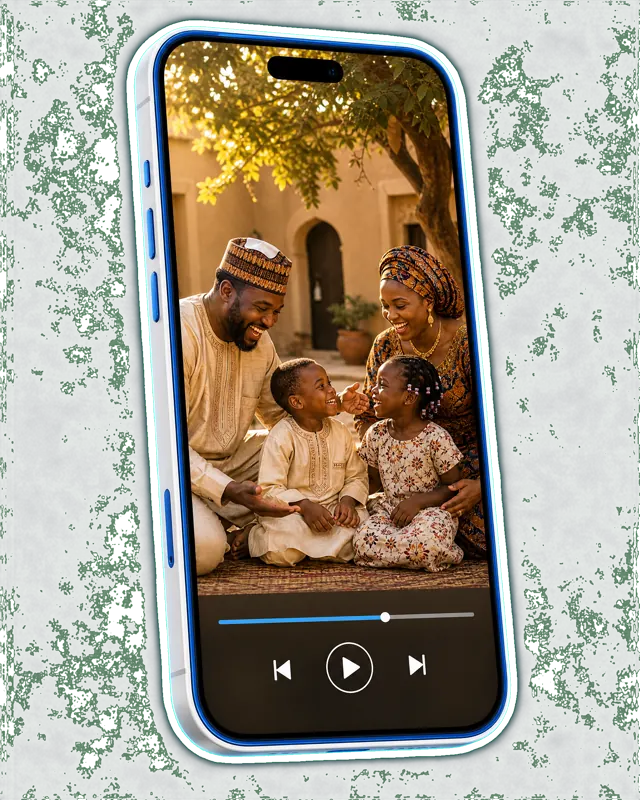
Square for feeds, portrait 4:5 for Instagram, 9:16 for Status, Stories and Reels covers, and 16:9 for YouTube thumbnails, banners and slides.
Standard is fast and affordable for everyday posts. Pro renders sharper detail and cleaner text for images that front a campaign.
Describe the image: the subject, the setting, the lighting and the mood.
Choose a style, a size and how many variations you want, from 1 to 12. Add your logo or product photos if you like.
Generate. Images arrive in about a minute and are saved to your library to download.
Say what is in the picture, where it is, and how it should feel. "A bottle of shea butter cream on a marble counter, soft morning window light, warm and clean" gives a far better result than "cream bottle". Use Enhance to turn a short note into a detailed prompt.
Upload your logo and up to three photos of your product, your shop or yourself. The studio keeps them unaltered and builds the scene around them, so the product in the image is really yours.
For flyers and posters with headlines, prices, dates and phone numbers, use the AI flyer designer instead. It is built to render text accurately and can add your logo and reference photos.
Photographic, Cinematic, 3D Render, Anime, Illustration and Painterly.
Square 1:1, portrait 4:5, story 9:16 and wide 16:9.
One, 2, 4, 8 or 12 variations in a single run, each saved to your library.
Pro renders finer detail and more accurate text. Standard is faster and costs fewer credits, and suits everyday social posts.
Yes. Add your logo, a product photo or a photo of yourself, and the image is built around them. For designs with headlines, prices and phone numbers, the AI flyer designer renders the text more accurately.
New accounts start with free credits. Works on your phone and your computer.
auto_awesome Generate images